Quick pick: To run AI on your own computer so data never leaves it: LM Studio (easiest) or Ollama. For an in-house "company ChatGPT": Open WebUI with Ollama.
Reviewed November 2026 against each vendor's official website.
Official ways to use ChatGPT for free
ChatGPT Free gives access to the newest models with a limited number of messages per day.
Free plans and trial lengths are set by the vendor and can change. Check the official website before signing up.
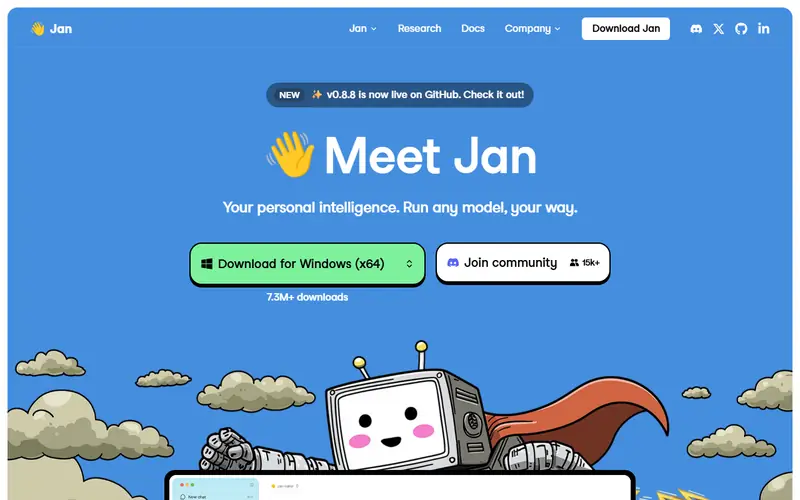
A chat interface that suggests models that fit your hardware.
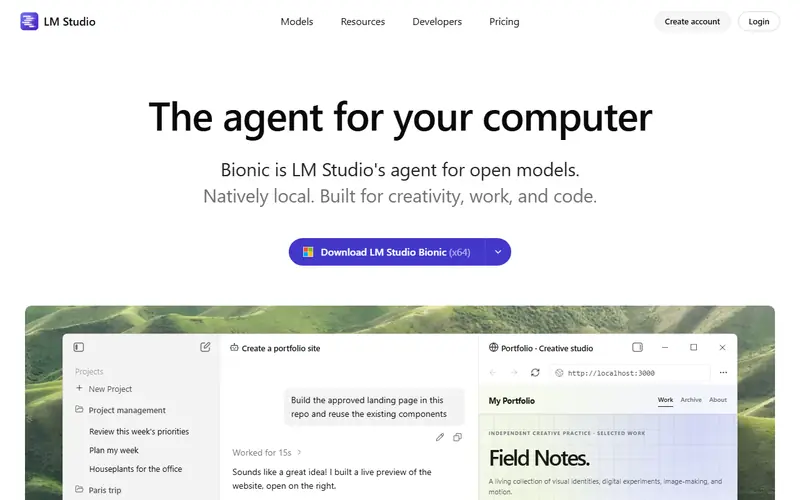
Desktop app for finding, downloading and chatting with open AI models on your own computer. Easier than Ollama if you avoid the command line, and free for work use too.
Multi-user internal chat that can answer questions from company documents.
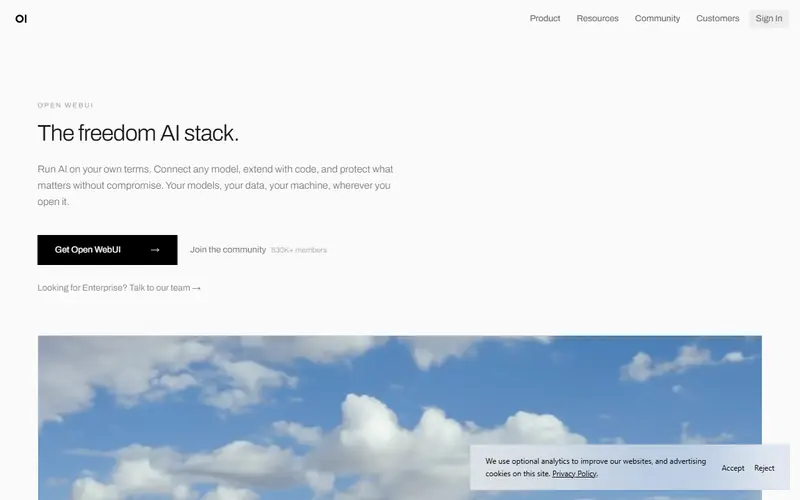
Self-hosted ChatGPT-style interface for teams that connects to Ollama or vendor APIs. It supports multiple users, permissions and Q&A over internal documents.
Open source: anyone can use, study and modify it, including businesses. Free: no cost, but the code is closed. Freemium: a lasting free plan with paid tiers for extra features. Source available: code is public but the license adds conditions.
FAQ
What is the best free alternative to ChatGPT?
The most popular picks are LM Studio, Ollama, Jan and Open WebUI. To run AI on your own computer so data never leaves it: LM Studio (easiest) or Ollama. For an in-house "company ChatGPT": Open WebUI with Ollama.
What hardware do I need to run AI locally?
Small models (3–8 billion parameters) run on a computer with 16 GB of RAM, and better with an 8 GB graphics card or an Apple Silicon Mac. Large models need a graphics card with 24 GB or more.
Are local models as good as ChatGPT?
Recent open models such as Qwen, Gemma and Llama handle everyday writing, summarizing and coding help well, but the largest cloud models are still stronger on hard reasoning. Try a few models on your own machine, since speed and quality depend heavily on your hardware.