
Split PDF - Dismerge PDF - ONLINE

Separate pages in PDF easily online for free. Our PDF splitter can be used without creating an account.
- Split your PDF into separate files
- Separate PDF content in seconds
- Easy and free to use for everyone
Instantly divide your PDF into individual pages, or delete specific pages to form a new PDF document. Organize individual PDF files or multiple large documents in one go with our free online PDF Splitter.
Your privacy and file security are important to us. Anything uploaded to our PDF separator is deleted automatically after one hour—no file retention, no risk. Visit our Privacy Policy for more info.
You can split PDF pages on any device, regardless of the operating system. It works on Windows, Mac, and Linux. All you need is an internet connection, a web browser, and your PDF file.
When you split a PDF with this tool, you get a preview of the pages you want to split. This makes it easy to delete pages from your original document before saving it as a new PDF file. Get your work done faster and easier with Smallpdf.
Don't spend your hard-earned money on costly premium software to split your PDFs. For limited daily usage, our PDF Splitter is free to use. If you need to separate documents more often, we offer it at affordable monthly rates.
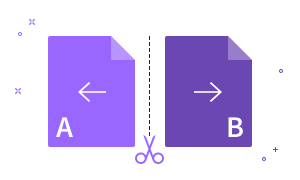
How To Split a PDF Online:
- 1. Import or drag & drop your file to our Split PDF tool.
- 2. Click the scissor tool icon to split specific pdf pages.
- 3. Click “Split” to separate your PDF into multiple files.
- 4. Edit the PDF with our other tools if needed.
- 5. Download or share your split PDF files when ready—done!