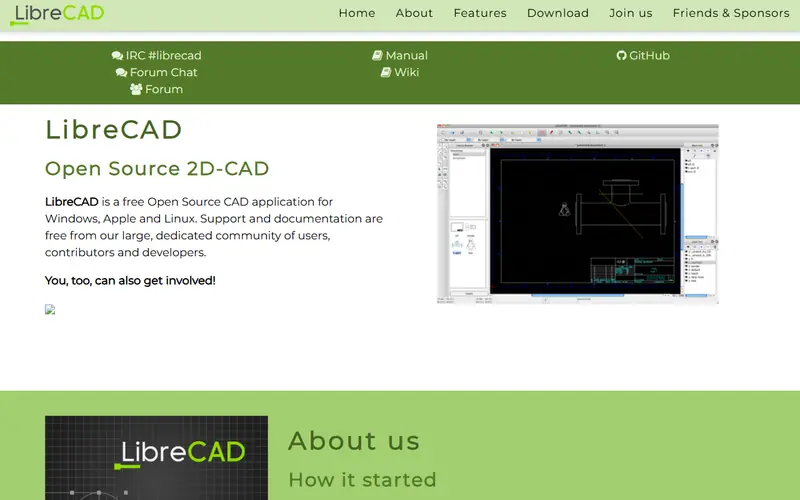
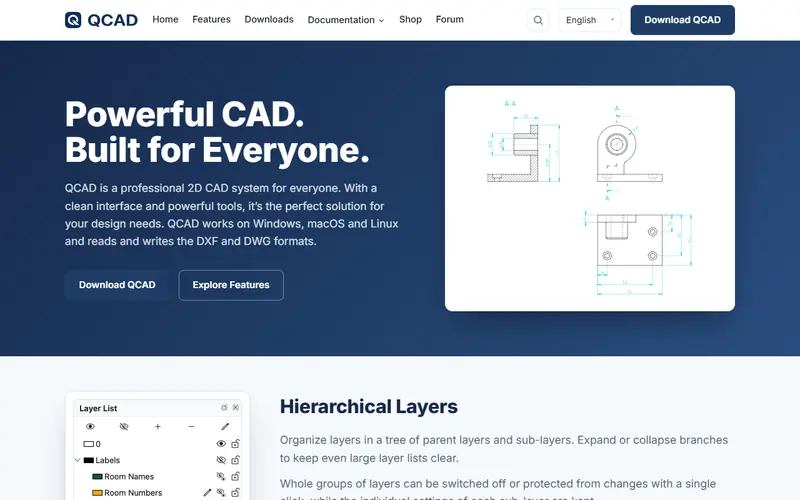
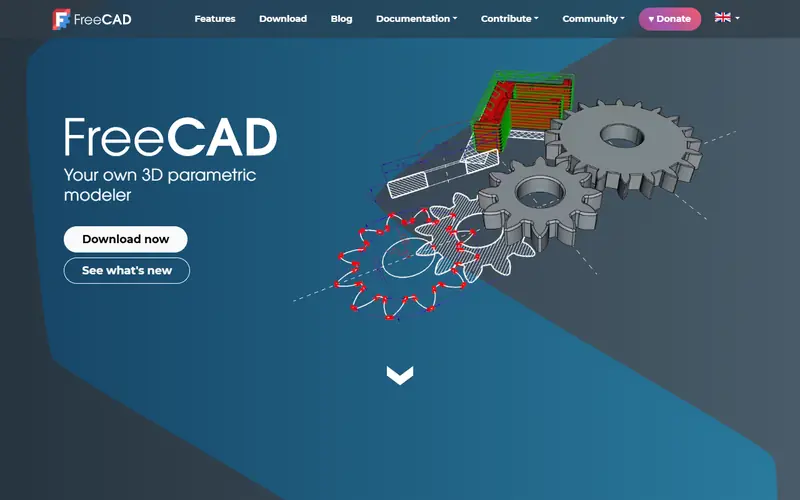
Quick pick: For 2D drafting instead of AutoCAD: LibreCAD or QCAD. For 3D mechanical and architectural design: FreeCAD. Just need to view and print .dwg: DWG TrueView.
Reviewed November 2026 against each vendor's official website.
Official ways to use AutoCAD for free
Autodesk Education license: free for one year (renewable) for students and educators; sign up for an Autodesk Education account with proof of enrollment.
Free trial of the full version from Autodesk.
DWG TrueView, Autodesk's free app to open, view, print and measure .dwg files (no editing).
Free plans and trial lengths are set by the vendor and can change. Check the official website before signing up.
Modeling and beautiful 3D renders for presentations.
A complete open-source 3D suite: modeling, sculpting, animation, photorealistic rendering and video editing. It can replace 3ds Max, Maya or Cinema 4D for many jobs.
Open source: anyone can use, study and modify it, including businesses. Free: no cost, but the code is closed. Freemium: a lasting free plan with paid tiers for extra features. Source available: code is public but the license adds conditions.
FAQ
What is the best free alternative to AutoCAD?
The most popular picks are LibreCAD, QCAD, FreeCAD and Blender. For 2D drafting instead of AutoCAD: LibreCAD or QCAD. For 3D mechanical and architectural design: FreeCAD. Just need to view and print .dwg: DWG TrueView.
How can students use AutoCAD for free?
Go to Autodesk Education, create an account, enter your school and upload proof (student ID or enrollment letter). Once approved, download the education version of AutoCAD; it lasts one year and can be renewed. It may not be used for commercial work.
Which free software opens .dwg files?
Autodesk's DWG TrueView (view and print). FreeCAD opens .dwg once you install ODA File Converter. LibreCAD's .dwg support is limited, so convert to .dxf first.






 SketchUp
 SPSS