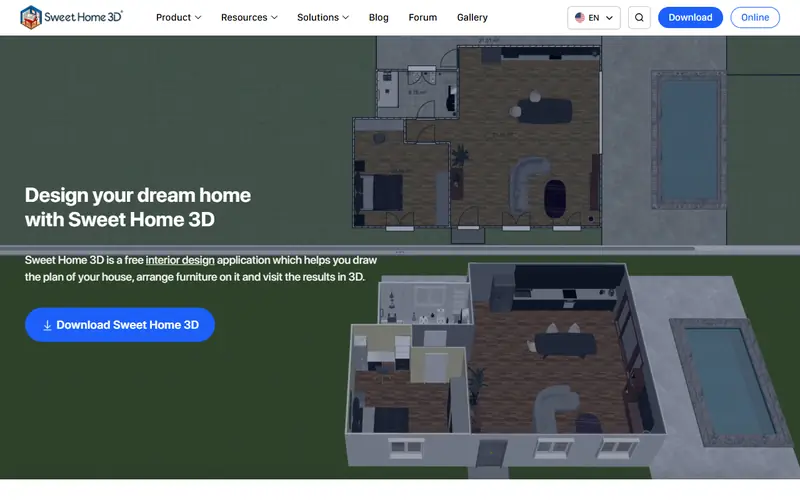
Draw a floor plan, drag in furniture and see it in 3D instantly; the easiest option.
Open-source interior design software: draw a floor plan, drag in furniture and see it in 3D instantly. Good for homeowners planning a layout themselves.
The most powerful for modeling and photorealistic renders; importing .skp needs a plugin.
A complete open-source 3D suite: modeling, sculpting, animation, photorealistic rendering and video editing. It can replace 3ds Max, Maya or Cinema 4D for many jobs.
Open source: anyone can use, study and modify it, including businesses. Free: no cost, but the code is closed. Freemium: a lasting free plan with paid tiers for extra features. Source available: code is public but the license adds conditions.
FAQ
What is the best free alternative to SketchUp?
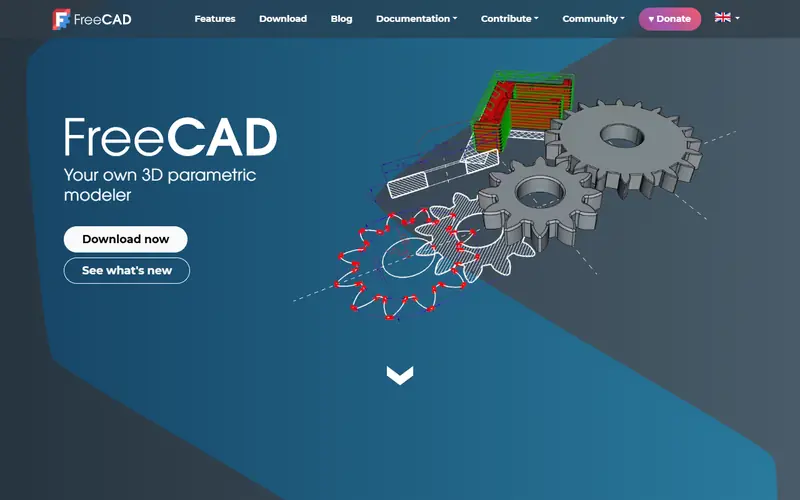
The most popular picks are Sweet Home 3D, Blender and FreeCAD. For quick interior layouts: Sweet Home 3D. For modeling and great renders: Blender. For dimensioned technical design: FreeCAD.
What is the difference between SketchUp Free and SketchUp Pro?
SketchUp Free runs on the web, can't install extensions, has no LayOut for construction drawings, and is limited to personal, non-commercial use.





 AutoCAD
 SPSS