Bandicam

Free & open source alternatives to Bandicam

3 free screen recording apps to use instead of Bandicam

The best free alternative to Bandicam is OBS Studio. No watermark, no time limit, webcam overlay and livestreaming.

Other great options: ShareX and Snipping Tool & Xbox Game Bar.

Quick pick: For screen recording with no watermark and no time limit: OBS Studio. For quick recordings and GIFs on Windows: ShareX.

Reviewed November 2026 against each vendor's official website.

3 best alternatives to Bandicam

1OBS Studio

OBS Studio

Video & audioHealthGood (95/100)79,148
Open sourceSome learning curve
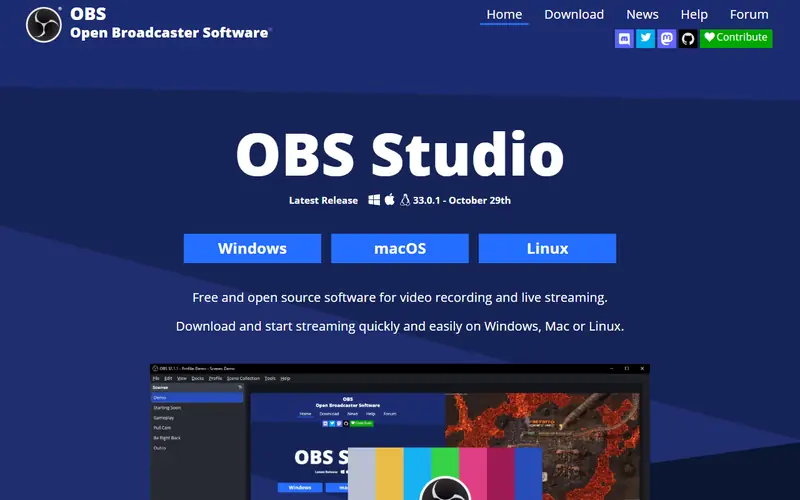
OBS Studio homepage

No watermark, no time limit, webcam overlay and livestreaming.

The world's most widely used open-source app for screen recording and live streaming. No watermark and no time limit.

  • Records screen and webcam, mixes multiple sources
  • Streams to YouTube, Facebook, TikTok and more
  • No watermark, no recording limit

Platforms: Windows · Mac · Linux

2ShareX

ShareX

Video & audioHealthGood (95/100)40,798
Open sourceEasy to use
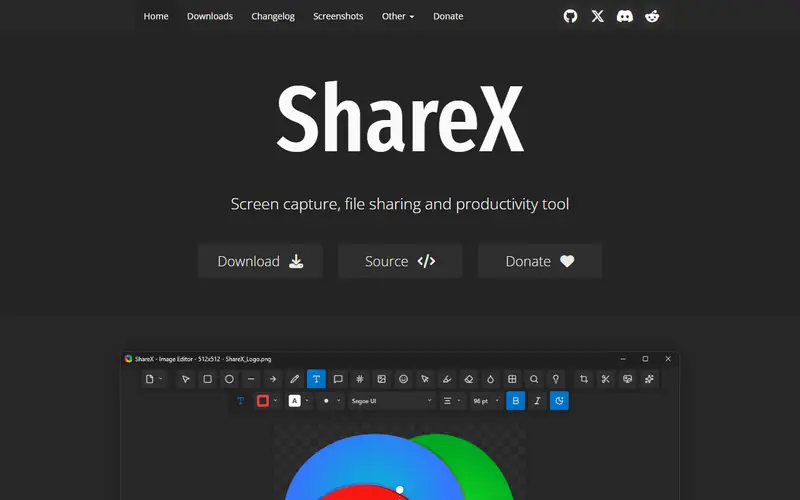
ShareX homepage

Records MP4 and GIF, captures scrolling pages, and is very light.

An open-source screen capture and recording tool for Windows. It does region and scrolling capture, MP4/GIF recording and OCR.

  • Records GIFs and captures long scrolling pages
  • Lightweight with lots of hotkeys

Platforms: Windows

Quick comparison

AppTypePlatformsEase of useGitHub stars
OBS StudioOpen sourceWindows, Mac, LinuxSome learning curve79,148
ShareXOpen sourceWindowsEasy to use40,798
Snipping Tool & Xbox Game BarFreeWindowsEasy to use—

Open source: anyone can use, study and modify it, including businesses. Free: no cost, but the code is closed. Freemium: a lasting free plan with paid tiers for extra features. Source available: code is public but the license adds conditions.

FAQ

What is the best free alternative to Bandicam?

The most popular picks are OBS Studio, ShareX and Snipping Tool & Xbox Game Bar. For screen recording with no watermark and no time limit: OBS Studio. For quick recordings and GIFs on Windows: ShareX.

How do I record my screen with audio and no watermark?

In OBS Studio, add a "Display Capture" source and "Desktop Audio", then click Start Recording. Videos save as MP4/MKV with no watermark and no time limit.

More video & audio software

Free Dorabot tools