CapCut

Free & open source alternatives to CapCut

5 free short-form video editing for TikTok and Reels apps to use instead of CapCut by ByteDance

The best free alternative to CapCut is Clipchamp. Built into Windows 11, with TikTok and Reels templates and watermark-free 1080p export.

Other great options: DaVinci Resolve, Kdenlive, Shotcut and OpenShot.

Quick pick: For watermark-free short videos on desktop: Clipchamp (built into Windows 11) or DaVinci Resolve. On iPhone: the free version of Premiere.

Reviewed November 2026 against each vendor's official website.

5 best alternatives to CapCut

1Clipchamp

Clipchamp

Video & audio
FreemiumEasy to use
Clipchamp homepage

Built into Windows 11, with TikTok and Reels templates and watermark-free 1080p export.

Microsoft's video editor, built into Windows 11 and also available in the browser. It includes templates, text, music and AI voiceovers.

  • Built into Windows 11, exports 1080p with no watermark
  • Plenty of templates for TikTok and Reels

Platforms: Web · Windows

2DaVinci Resolve

DaVinci Resolve

Video & audio
FreeSome learning curve
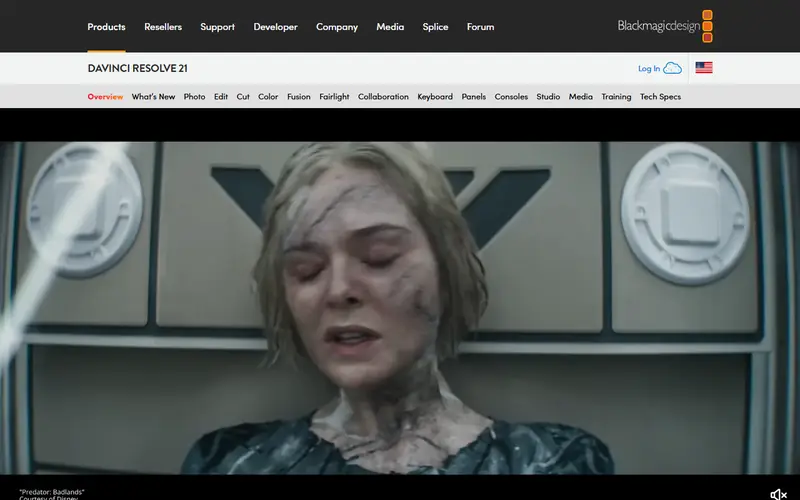
DaVinci Resolve homepage

Far more powerful, with free 4K export.

Professional video software for editing, color grading, effects and audio, with a very complete free version. It is used on real film and TV productions.

  • Free version has no watermark and exports up to 4K
  • The best color grading tools available
  • Imports Premiere projects via XML/AAF

Platforms: Windows · Mac · Linux

3Kdenlive

Kdenlive

Video & audio
Open sourceSome learning curve
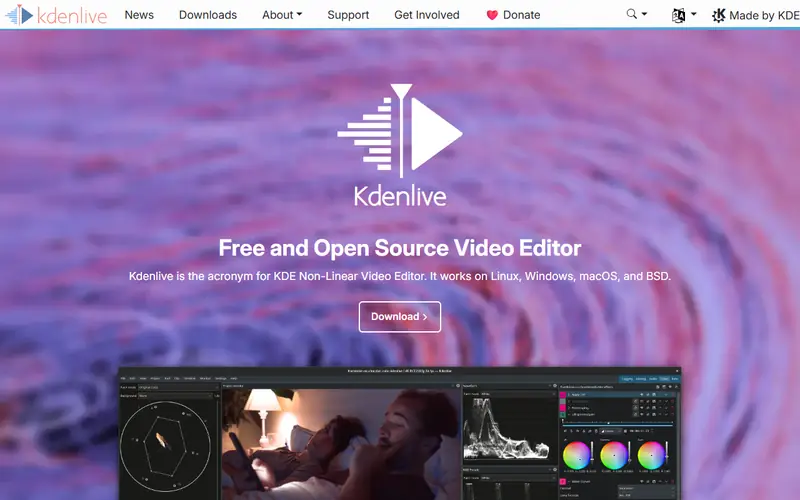
Kdenlive homepage

Open source, with automatic subtitles generated on your own computer.

An open-source multi-track video editor with effects and transitions. It can generate AI subtitles locally on your computer.

  • Many video and audio tracks, proxy clips for slower machines
  • Automatic subtitles (Whisper) generated offline

Platforms: Windows · Mac · Linux

4Shotcut

Shotcut

Video & audioHealthGood (100/100)15,629
Open sourceEasy to use
Shotcut homepage

Light and enough for cutting, adding text and music.

A lightweight open-source video editor that opens most formats without converting them first.

  • Lightweight, with a portable no-install version
  • Opens almost any video format

Platforms: Windows · Mac · Linux

Quick comparison

AppTypePlatformsEase of useGitHub stars
ClipchampFreemiumWeb, WindowsEasy to use—
DaVinci ResolveFreeWindows, Mac, LinuxSome learning curve—
KdenliveOpen sourceWindows, Mac, LinuxSome learning curve—
ShotcutOpen sourceWindows, Mac, LinuxEasy to use15,629
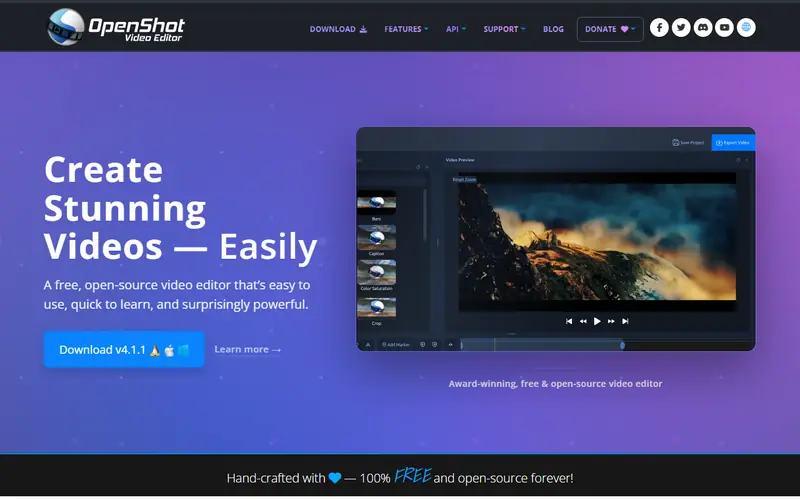
OpenShotOpen sourceWindows, Mac, LinuxEasy to use6,754

Open source: anyone can use, study and modify it, including businesses. Free: no cost, but the code is closed. Freemium: a lasting free plan with paid tiers for extra features. Source available: code is public but the license adds conditions.

FAQ

What is the best free alternative to CapCut?

The most popular picks are Clipchamp, DaVinci Resolve, Kdenlive and Shotcut. For watermark-free short videos on desktop: Clipchamp (built into Windows 11) or DaVinci Resolve. On iPhone: the free version of Premiere.

Which free software creates automatic subtitles like CapCut?

Kdenlive generates subtitles automatically with Whisper running locally, and it supports many languages. In DaVinci Resolve, automatic subtitles are only in the paid Studio version. You can also transcribe the audio with any speech-to-text tool and import the subtitle file.

More video & audio software

Free Dorabot tools