
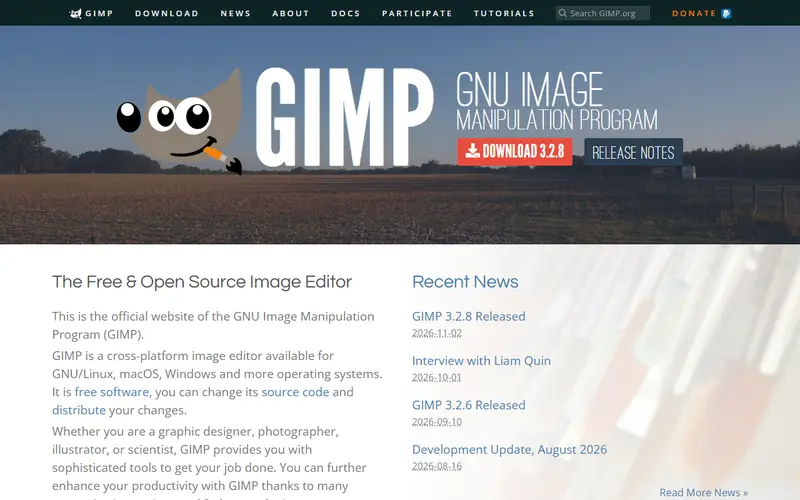
GIMP
Design & photoThe longest-running open-source image editor, able to handle most Photoshop work. It does layers, masks, selections, color and compositing; version 3.0 (2025) added non-destructive filters.
Open sourceSome learning curve
Free alternative to
Code activity
- Last commit
- today
The GitHub repository is a mirror; development happens elsewhere, so stars are not shown.
Details
- Type
- Open source
- License
- GPL-3.0
- Written in
- CPythonSchemeMeson
- Platforms
- Windows · Mac · Linux
- Ease of use
- Some learning curve
Pros
- Completely free, no ads, no account needed
- Opens and saves .psd files (basic layers)
- Lots of plugins, runs fine on low-end machines
Cons
- Interface and shortcuts differ from Photoshop, expect a few days to adjust
- Layer styles in .psd files are not preserved
- No built-in CMYK workflow for print
Use GIMP instead of
 PhotoshopOpen source editor that opens .psd files with basic layers, good for retouching, compositing and product shots.
FAQ
Is GIMP free?
Yes. GIMP is open source (GPL-3.0 license) and free for personal and commercial use.
Which platforms does GIMP run on?
GIMP is available for Windows, Mac and Linux.
What can I use GIMP instead of?
GIMP is a free alternative to Photoshop.
Similar apps
 PhotopeaA browser-based image editor whose interface closely mirrors Photoshop.Design & photo
 AffinityA professional design suite combining photo editing, vector and page layout in one app.Design & photo
 KritaAn open-source digital painting app built for illustration, comics and frame-by-frame animation.Design & photoOpen source
 Paint.NETA lightweight Windows image editor, far more capable than Paint yet easier than GIMP.Design & photo
 Adobe ExpressAdobe's quick design tool, similar to Canva, for social posts, posters, background removal and short videos.Design & photo
No apps match. Try removing a filter.