

Photopea
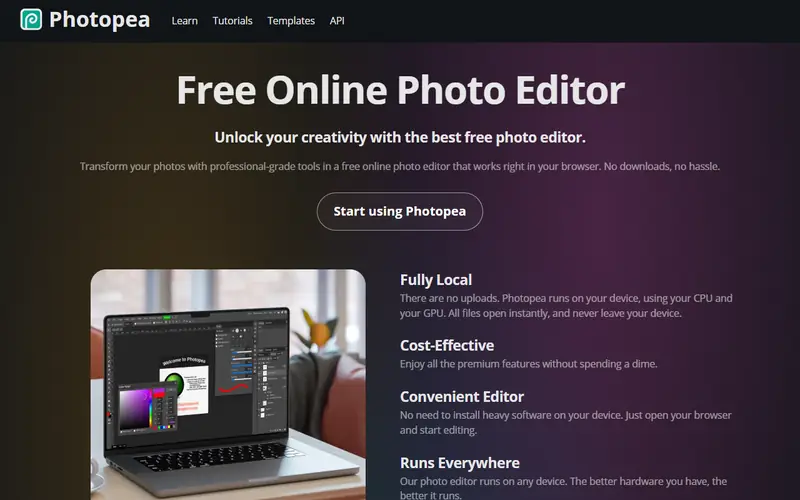
Design & photoA browser-based image editor whose interface closely mirrors Photoshop. It opens .psd, .ai, .xd, .sketch and .pdf files with nothing to install.
FreeEasy to use
Free alternative to
Code activity
Source code is not public.
Details
- Type
- Free
- Platforms
- Web
- Ease of use
- Easy to use
Pros
- Closest thing to Photoshop, so Photoshop users feel at home
- Opens .psd with layers and many layer effects
- Works on any device with a browser, including Chromebooks
Cons
- Shows ads in a sidebar (paid plan removes them)
- Large files with many layers run slower than desktop apps
- Not open source
Use Photopea instead of
 PhotoshopThe closest thing to Photoshop, opening .psd files with layers and most layer styles intact, with nothing to install.
 IllustratorLets you view and lightly edit .ai files right in the browser.
 CanvaMore detailed photo editing and text work than Canva, right in the browser.
FAQ
Is Photopea free?
Yes, Photopea is free to use, but its source code is not public.
Which platforms does Photopea run on?
Photopea is available for Web.
What can I use Photopea instead of?
Photopea is a free alternative to Photoshop, Illustrator and Canva.
Similar apps
 AffinityA professional design suite combining photo editing, vector and page layout in one app.Design & photo
 GIMPThe longest-running open-source image editor, able to handle most Photoshop work.Design & photoOpen source
 KritaAn open-source digital painting app built for illustration, comics and frame-by-frame animation.Design & photoOpen source
 Paint.NETA lightweight Windows image editor, far more capable than Paint yet easier than GIMP.Design & photo
 Adobe ExpressAdobe's quick design tool, similar to Canva, for social posts, posters, background removal and short videos.Design & photo
 InkscapeAn open-source vector editor for logos, icons, posters and vinyl cutting.Design & photoOpen source
No apps match. Try removing a filter.