6 free photo editing apps to use instead of Photoshop by Adobe
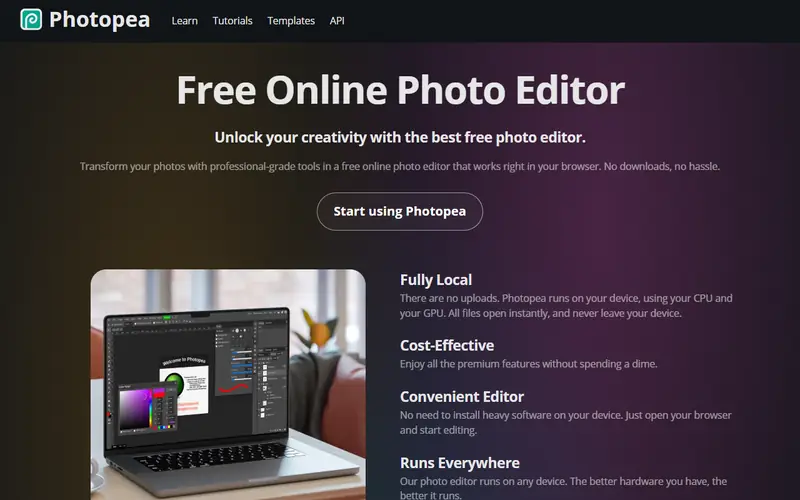
The best free alternative to Photoshop is Photopea. The closest thing to Photoshop, opening .psd files with layers and most layer styles intact, with nothing to install.
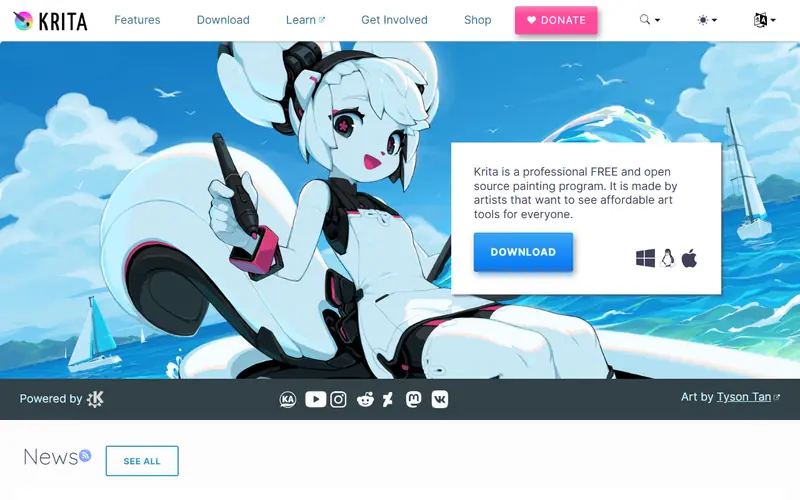
Quick pick: Know Photoshop and need to open a .psd right now: use Photopea in your browser. Want a desktop app: Affinity (free since October 2025) or GIMP (open source). For digital painting: Krita.
Reviewed November 2026 against each vendor's official website.
Official ways to use Photoshop for free
7-day free trial of the full desktop version from Adobe (a payment card is required, so cancel before it ends if you don't want to be charged).
Photoshop on mobile (iPhone and Android) has a free tier with the core tools: layers, selections, object removal and compositing.
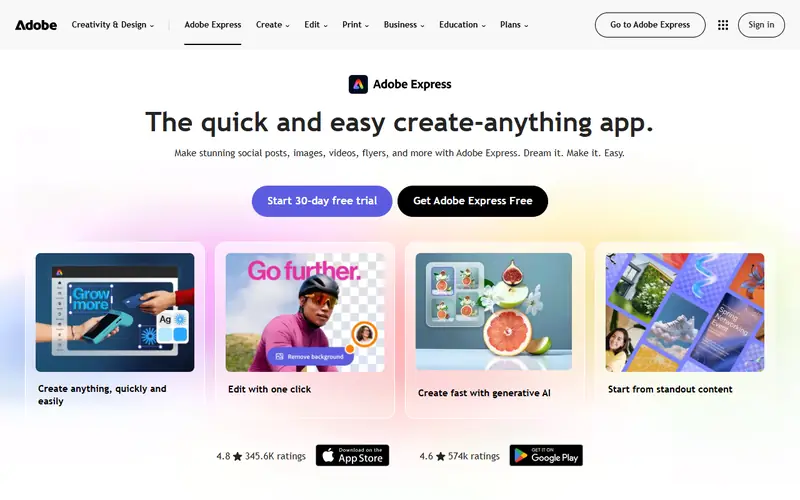
Adobe Express is free on the web for background removal, cropping and quick social posts.
Free plans and trial lengths are set by the vendor and can change. Check the official website before signing up.
Professional-grade editing that opens .psd files and supports CMYK for print; it needs a Canva account.
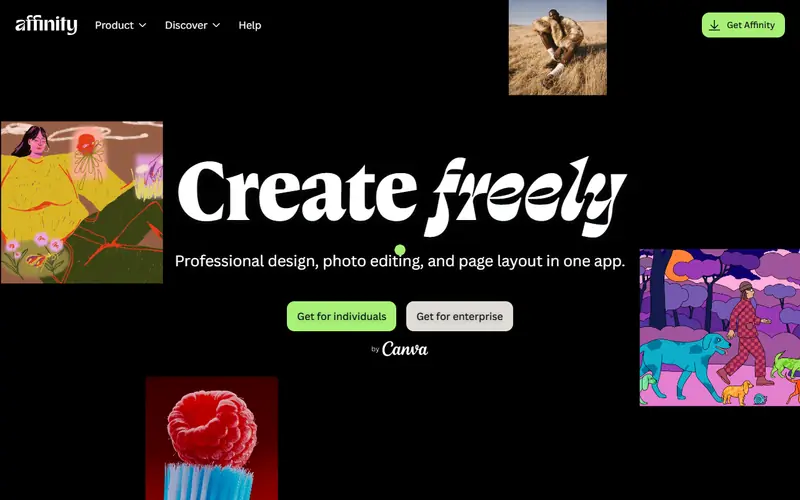
A professional design suite combining photo editing, vector and page layout in one app. Since late October 2025 Canva offers it free with a Canva account.
Adobe-level quality for photo, vector and layout in a single app
Opens .psd, .ai (PDF-compatible) and InDesign .idml files
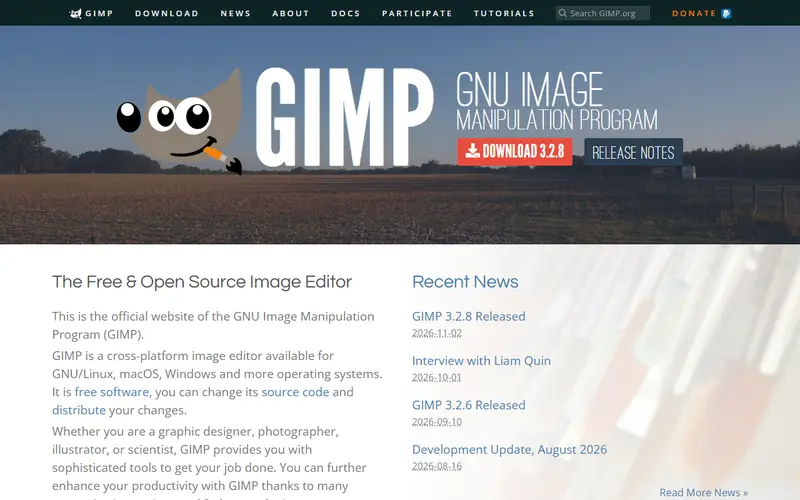
Open source editor that opens .psd files with basic layers, good for retouching, compositing and product shots.
The longest-running open-source image editor, able to handle most Photoshop work. It does layers, masks, selections, color and compositing; version 3.0 (2025) added non-destructive filters.
Open source: anyone can use, study and modify it, including businesses. Free: no cost, but the code is closed. Freemium: a lasting free plan with paid tiers for extra features. Source available: code is public but the license adds conditions.
FAQ
What is the best free alternative to Photoshop?
The most popular picks are Photopea, Affinity, GIMP and Krita. Know Photoshop and need to open a .psd right now: use Photopea in your browser. Want a desktop app: Affinity (free since October 2025) or GIMP (open source). For digital painting: Krita.
Is there a legal way to use Photoshop free forever?
Not the full desktop version: Adobe only offers a 7-day trial. Photoshop on mobile has a free tier with basic features. For long-term desktop use without paying, go with Photopea, Affinity or GIMP.
Which free software opens .psd files?
Photopea handles them best (layers and most layer styles are kept), followed by Affinity, GIMP and Krita. Complex layer effects and smart objects may look different.
Should I use a cracked Photoshop?
No. Cracked copies often bundle malware that steals passwords and banking details, they get no security updates, and businesses running unlicensed software face legal and financial risk. The free options above cover most work.







 Illustrator
 Lightroom
 CorelDRAW
 InDesign
 Canva
 Figma