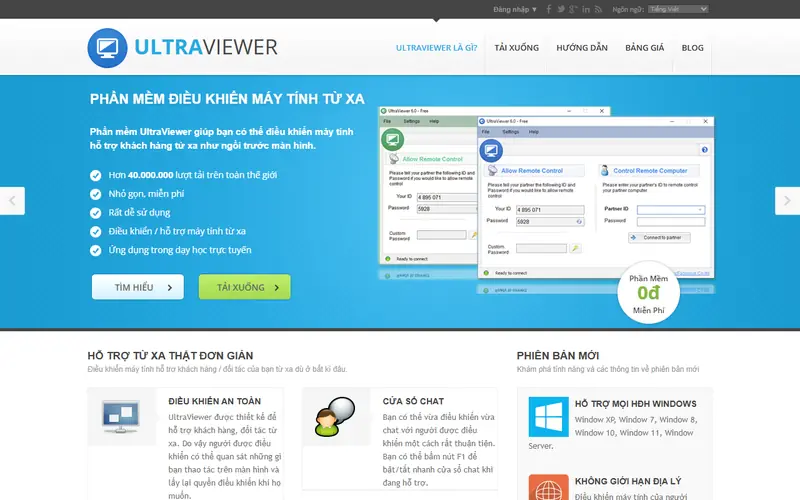
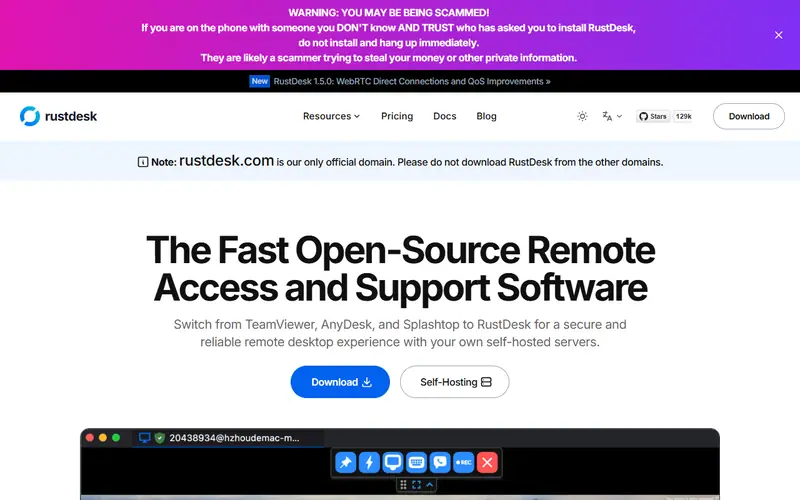
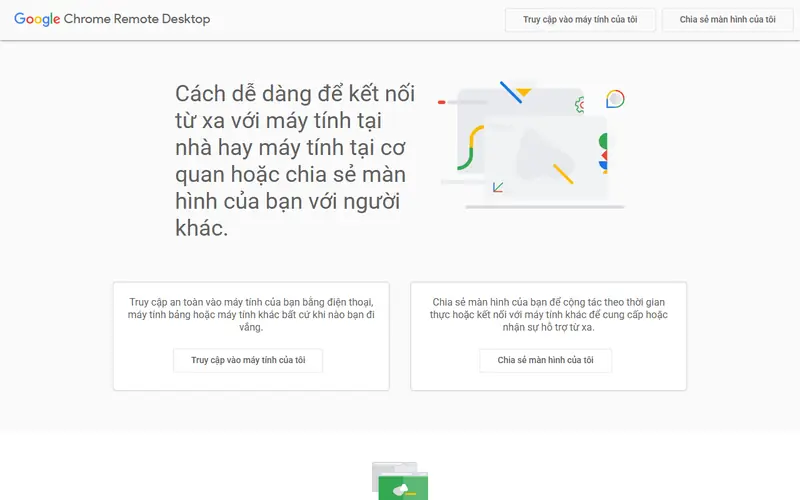
Quick pick: Open source, every operating system, with your own relay server if you want: RustDesk. Free even for work, through the browser: Chrome Remote Desktop. A simple, lightweight option for quick support sessions: UltraViewer.
Reviewed November 2026 against each vendor's official website.
Official ways to use TeamViewer for free
TeamViewer is free for personal use only, not for work; if commercial use is suspected, your sessions get restricted.
Free plans and trial lengths are set by the vendor and can change. Check the official website before signing up.
Built into Windows, handy for helping family fix their PC.
Built into Windows 10 and 11, it lets someone view or control your PC using a 6-character code. Handy for helping family or coworkers fix their computer.
Open source: anyone can use, study and modify it, including businesses. Free: no cost, but the code is closed. Freemium: a lasting free plan with paid tiers for extra features. Source available: code is public but the license adds conditions.
FAQ
What is the best free alternative to TeamViewer?
The most popular picks are UltraViewer, RustDesk, AnyDesk and Chrome Remote Desktop. Open source, every operating system, with your own relay server if you want: RustDesk. Free even for work, through the browser: Chrome Remote Desktop. A simple, lightweight option for quick support sessions: UltraViewer.
What should I do if TeamViewer says "commercial use detected"?
The free version is for personal use only. You can submit a reset request to TeamViewer, or switch to RustDesk, Chrome Remote Desktop or UltraViewer.






 WinRAR
 IDM (Internet Download Manager)
 Google Drive, Dropbox
 LastPass, 1Password
 Windows