Quick pick: For an older PC and a Windows-like desktop, use Linux Mint. For beginners who want a polished, Windows 11 style look, use Zorin OS.
Reviewed November 2026 against each vendor's official website.
Official ways to use Windows for free
Windows 10 and 11 can be installed without activation: they still run, but show a watermark in the corner and lock personalization such as wallpaper and themes. Proper long-term use requires a license.
Windows 10 reached end of support on October 14, 2025 (only conditional Extended Security Updates remain). Older PCs that can't run Windows 11 can switch to one of the Linux options below.
Free plans and trial lengths are set by the vendor and can change. Check the official website before signing up.
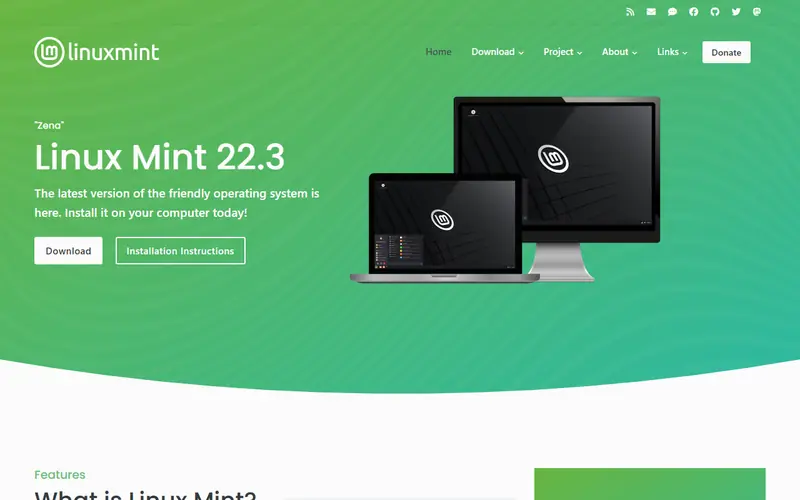
The most Windows-like Linux, and it runs smoothly on older hardware.
The most Windows-like Linux distribution, with a browser, LibreOffice and media players preinstalled. A good fit for older PCs that cannot run Windows 11.
Familiar Windows-like desktop with wide language support
Open source: anyone can use, study and modify it, including businesses. Free: no cost, but the code is closed. Freemium: a lasting free plan with paid tiers for extra features. Source available: code is public but the license adds conditions.
FAQ
What is the best free alternative to Windows?
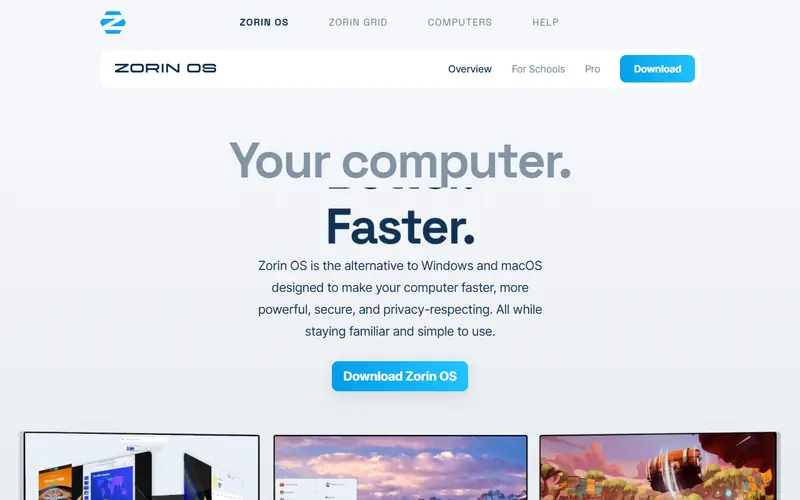
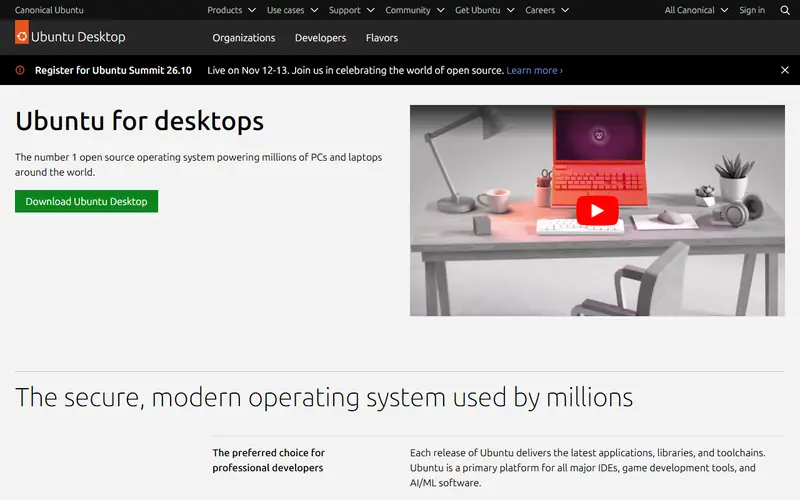
The most popular picks are Linux Mint, Zorin OS and Ubuntu. For an older PC and a Windows-like desktop, use Linux Mint. For beginners who want a polished, Windows 11 style look, use Zorin OS.
Can I still run my Windows programs after switching to Linux?
Many popular apps have Linux versions or web equivalents (browsers, LibreOffice, VLC, GIMP), and some Windows programs run through Wine or Steam's Proton. But specialized business software, some games with anti-cheat and certain hardware drivers only work on Windows, so check the programs you depend on before switching. Linux is a great fit for browsing, study and everyday office work.




 WinRAR
 IDM (Internet Download Manager)
 TeamViewer
 Google Drive, Dropbox
 LastPass, 1Password