CorelDRAW

Free & open source alternatives to CorelDRAW

4 free graphic design and print apps to use instead of CorelDRAW by Corel

The best free alternative to CorelDRAW is Inkscape. Imports .cdr files (via the libcdr library), does vector drawing and exports DXF for vinyl cutters.

Other great options: Affinity, LibreOffice and Scribus.

Quick pick: To open and edit .cdr files: Inkscape or LibreOffice Draw. For long-term print design: Affinity.

Reviewed November 2026 against each vendor's official website.

4 best alternatives to CorelDRAW

1Inkscape

Inkscape

Design & photo
Open sourceSome learning curve
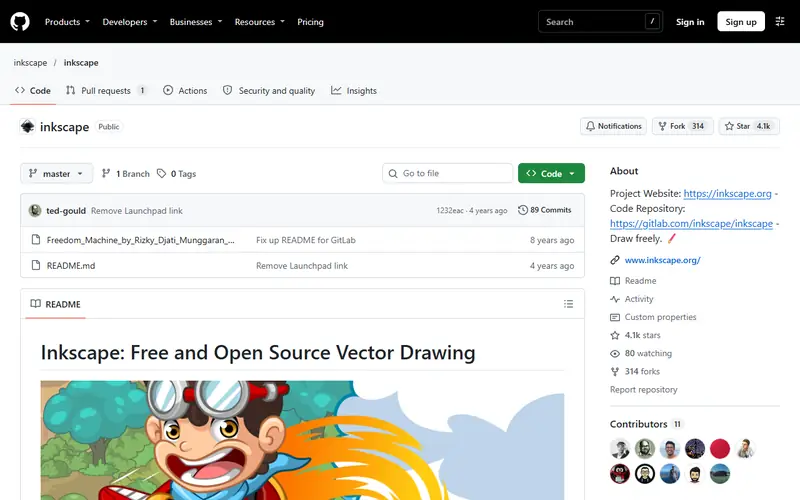
Inkscape homepage

Imports .cdr files (via the libcdr library), does vector drawing and exports DXF for vinyl cutters.

An open-source vector editor for logos, icons, posters and vinyl cutting. It uses SVG natively and exports PDF, PNG and DXF for cutters.

  • Free and standards-based SVG
  • Opens .ai (PDF-compatible), CorelDRAW .cdr and .pdf files
  • Exports DXF for laser and vinyl cutters

Platforms: Windows · Mac · Linux

2Affinity

Affinity

Design & photo
FreeSome learning curve
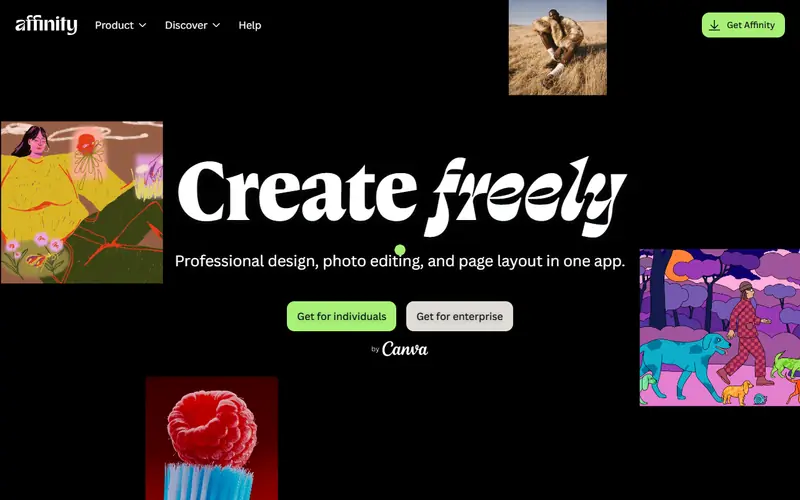
Affinity homepage

Professional CMYK print design; it can't open .cdr, so export to PDF or SVG from Corel first.

A professional design suite combining photo editing, vector and page layout in one app. Since late October 2025 Canva offers it free with a Canva account.

  • Adobe-level quality for photo, vector and layout in a single app
  • Opens .psd, .ai (PDF-compatible) and InDesign .idml files
  • Full CMYK and print-ready export

Platforms: Windows · Mac

3LibreOffice

LibreOffice

Office & PDF
Open sourceEasy to use
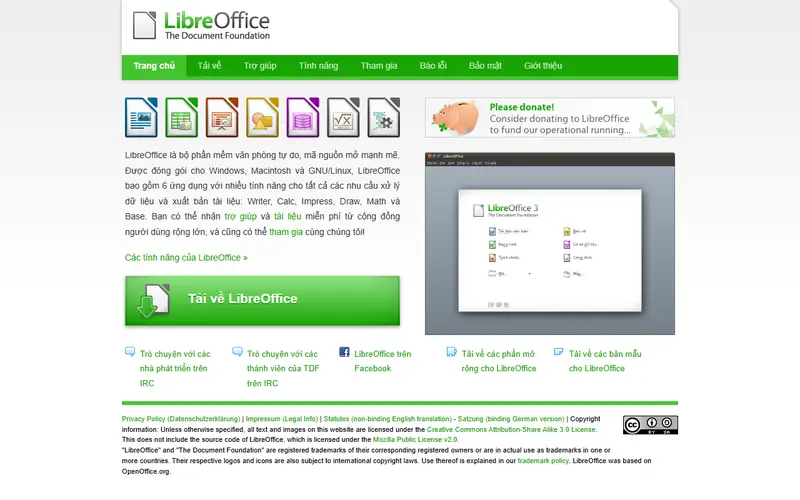
LibreOffice homepage

LibreOffice Draw opens .cdr files so you can view them, edit text and export to PDF.

Open-source office suite that replaces Microsoft Office: Writer, Calc, Impress and Draw. Works fully offline and is available in many languages.

  • Free for organizations and businesses, no license fees
  • Opens and saves .docx, .xlsx and .pptx
  • Many interface languages, works without internet

Platforms: Windows · Mac · Linux

4Scribus

Scribus

Design & photo
Open sourceSome learning curve
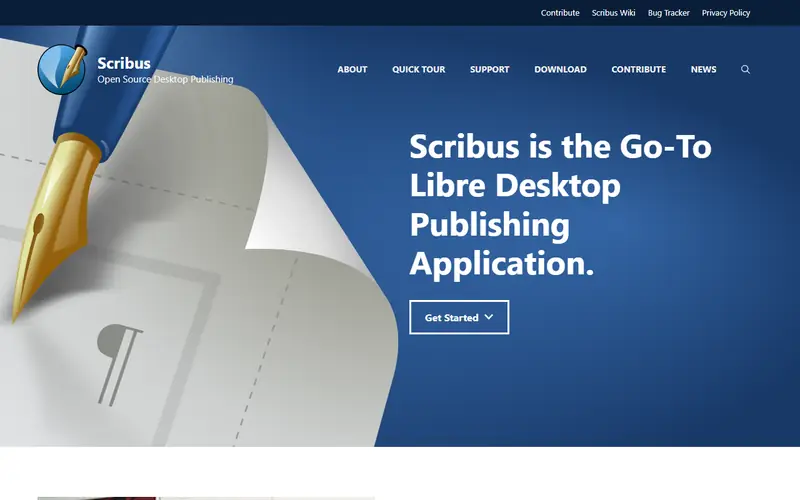
Scribus homepage

Lays out flyers and catalogs for offset printing (PDF/X).

Open-source desktop publishing for magazines, books, flyers and catalogs. It exports print-ready PDF with CMYK and PDF/X.

  • Proper CMYK and PDF/X for print
  • Free for business use too

Platforms: Windows · Mac · Linux

Quick comparison

AppTypePlatformsEase of useGitHub stars
InkscapeOpen sourceWindows, Mac, LinuxSome learning curve—
AffinityFreeWindows, MacSome learning curve—
LibreOfficeOpen sourceWindows, Mac, LinuxEasy to use—
ScribusOpen sourceWindows, Mac, LinuxSome learning curve—

Open source: anyone can use, study and modify it, including businesses. Free: no cost, but the code is closed. Freemium: a lasting free plan with paid tiers for extra features. Source available: code is public but the license adds conditions.

FAQ

What is the best free alternative to CorelDRAW?

The most popular picks are Inkscape, Affinity, LibreOffice and Scribus. To open and edit .cdr files: Inkscape or LibreOffice Draw. For long-term print design: Affinity.

Can I open a .cdr file without CorelDRAW?

Yes. Inkscape and LibreOffice Draw import most .cdr files, though files from newer versions may shift effects or text. If the result is far off, ask someone with Corel to export a PDF or SVG.

More design & photo software

Free Dorabot tools