Canva

Free & open source alternatives to Canva

5 free template-based design apps to use instead of Canva

The best free alternative to Canva is Adobe Express. The closest experience to Canva: templates, background removal and short videos.

Other great options: Affinity, Photopea, Inkscape and Penpot.

Quick pick: Want ready-made templates like Canva: Adobe Express. Want free-form design with no limits on your computer: Affinity or Inkscape.

Reviewed November 2026 against each vendor's official website.

5 best alternatives to Canva

1Adobe Express

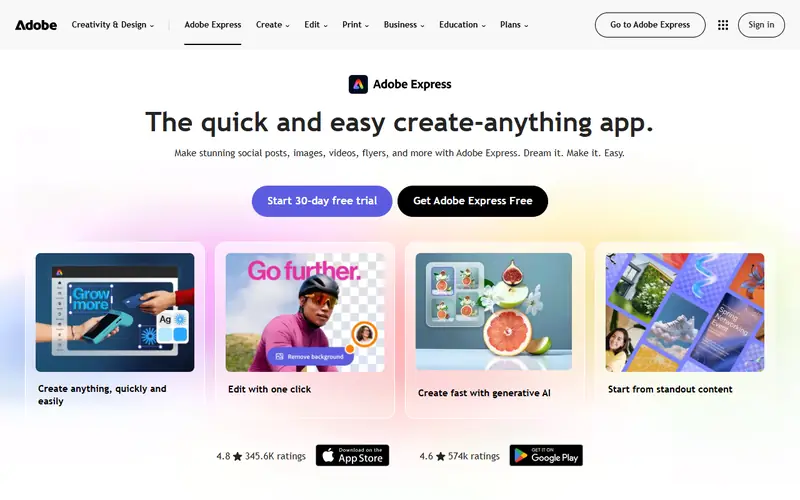
Adobe Express

Design & photo
FreemiumEasy to use
Adobe Express homepage

The closest experience to Canva: templates, background removal and short videos.

Adobe's quick design tool, similar to Canva, for social posts, posters, background removal and short videos. The free plan covers everyday needs.

  • Lots of templates, free background removal
  • Adobe fonts and Adobe Stock images (limited on the free plan)

Platforms: Web · Android · iPhone

2Affinity

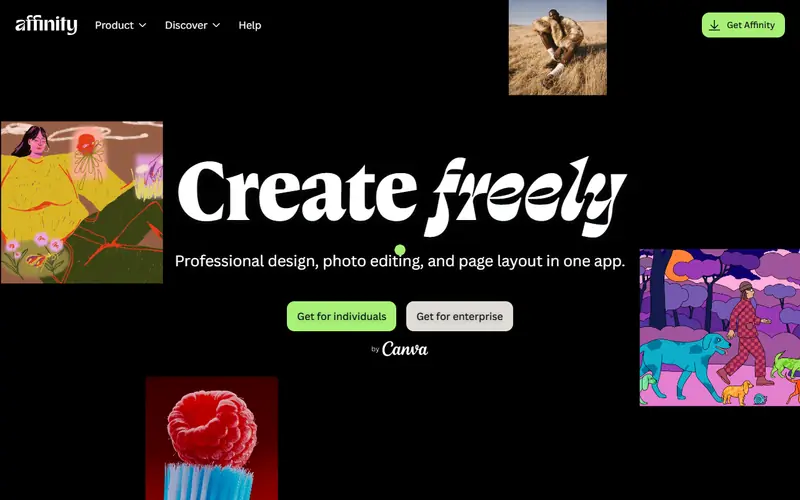
Affinity

Design & photo
FreeSome learning curve
Affinity homepage

From the same company as Canva, offering free professional design on desktop.

A professional design suite combining photo editing, vector and page layout in one app. Since late October 2025 Canva offers it free with a Canva account.

  • Adobe-level quality for photo, vector and layout in a single app
  • Opens .psd, .ai (PDF-compatible) and InDesign .idml files
  • Full CMYK and print-ready export

Platforms: Windows · Mac

3Photopea

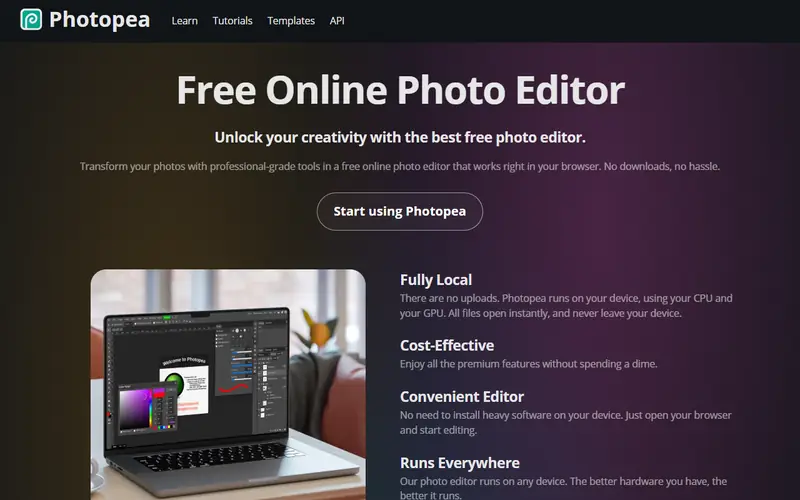
Photopea

Design & photo
FreeEasy to use
Photopea homepage

More detailed photo editing and text work than Canva, right in the browser.

A browser-based image editor whose interface closely mirrors Photoshop. It opens .psd, .ai, .xd, .sketch and .pdf files with nothing to install.

  • Closest thing to Photoshop, so Photoshop users feel at home
  • Opens .psd with layers and many layer effects
  • Works on any device with a browser, including Chromebooks

Platforms: Web

4Inkscape

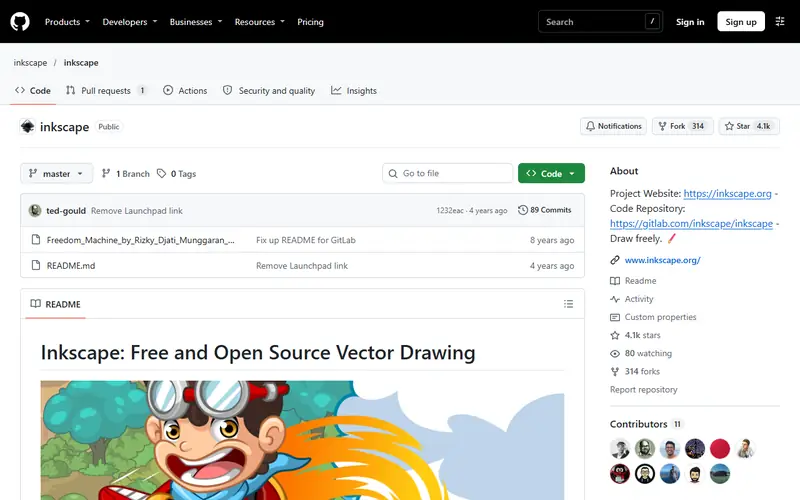
Inkscape

Design & photo
Open sourceSome learning curve
Inkscape homepage

Free-form vector drawing for logos and posters.

An open-source vector editor for logos, icons, posters and vinyl cutting. It uses SVG natively and exports PDF, PNG and DXF for cutters.

  • Free and standards-based SVG
  • Opens .ai (PDF-compatible), CorelDRAW .cdr and .pdf files
  • Exports DXF for laser and vinyl cutters

Platforms: Windows · Mac · Linux

5Penpot

Penpot

Design & photoHealthGood (95/100)62,175
Open sourceEasy to use
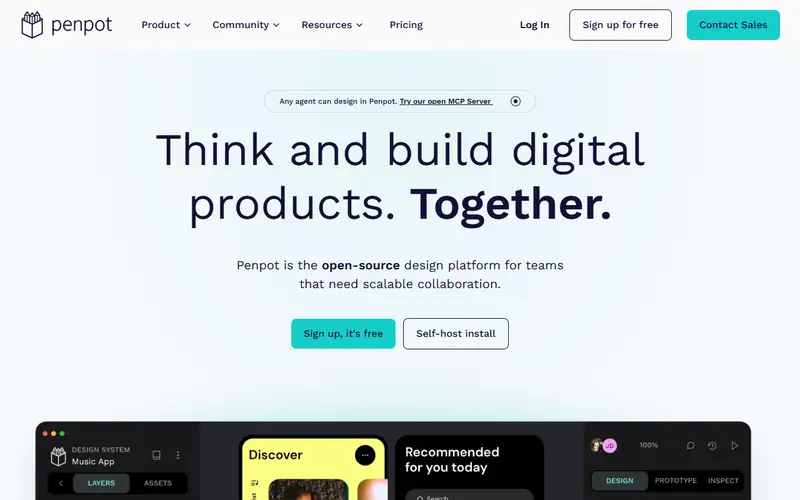
Penpot homepage

Interface design with real-time team collaboration.

An open-source, browser-based tool for designing web and app interfaces, Figma-style. Teams can edit together in real time. You can self-host it on your own server.

  • Multi-user editing, comments and prototyping
  • Built on SVG and CSS, so developers get usable code easily
  • Self-hostable, your data stays on your server

Platforms: Web · Self-hosted

Quick comparison

AppTypePlatformsEase of useGitHub stars
Adobe ExpressFreemiumWeb, Android, iPhoneEasy to use—
AffinityFreeWindows, MacSome learning curve—
PhotopeaFreeWebEasy to use—
InkscapeOpen sourceWindows, Mac, LinuxSome learning curve—
PenpotOpen sourceWeb, Self-hostedEasy to use62,175

Open source: anyone can use, study and modify it, including businesses. Free: no cost, but the code is closed. Freemium: a lasting free plan with paid tiers for extra features. Source available: code is public but the license adds conditions.

FAQ

What is the best free alternative to Canva?

The most popular picks are Adobe Express, Affinity, Photopea and Inkscape. Want ready-made templates like Canva: Adobe Express. Want free-form design with no limits on your computer: Affinity or Inkscape.

Can I get Canva Pro for free?

Legally, yes in some cases: Canva for Education (K-12 teachers and students) and Canva for Nonprofits for approved organizations. Canva also offers a 30-day Pro trial.

More design & photo software

Free Dorabot tools