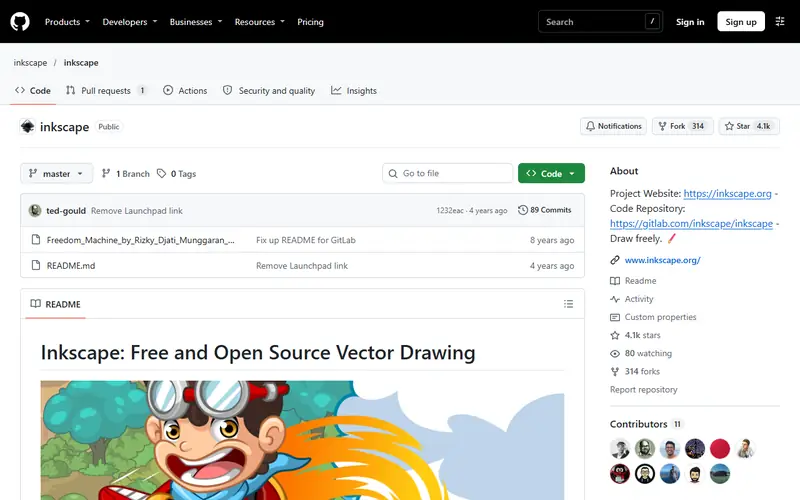
Professional vector drawing that opens PDF-compatible .ai files and handles print-ready CMYK.
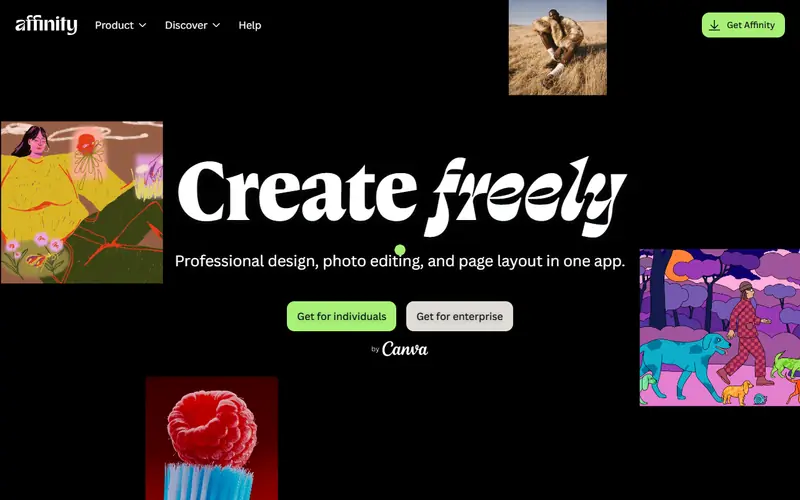
A professional design suite combining photo editing, vector and page layout in one app. Since late October 2025 Canva offers it free with a Canva account.
Adobe-level quality for photo, vector and layout in a single app
Opens .psd, .ai (PDF-compatible) and InDesign .idml files
A good fit for icons, web UI and team collaboration.
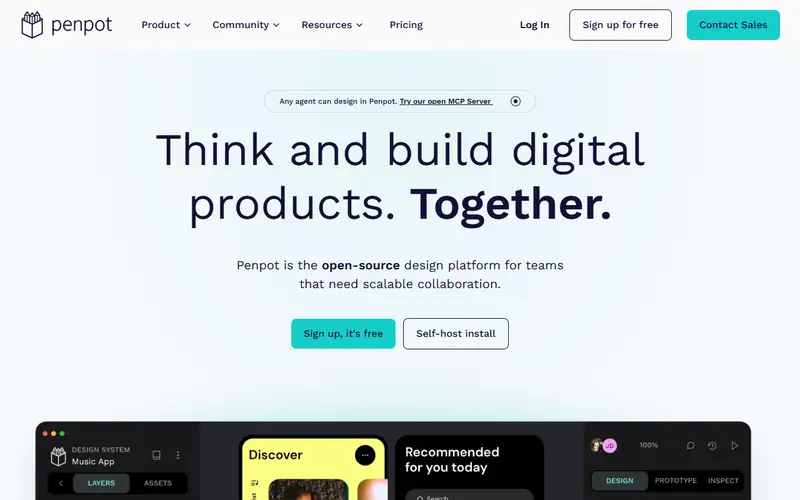
An open-source, browser-based tool for designing web and app interfaces, Figma-style. Teams can edit together in real time. You can self-host it on your own server.
Multi-user editing, comments and prototyping
Built on SVG and CSS, so developers get usable code easily
Open source: anyone can use, study and modify it, including businesses. Free: no cost, but the code is closed. Freemium: a lasting free plan with paid tiers for extra features. Source available: code is public but the license adds conditions.
FAQ
What is the best free alternative to Illustrator?
The most popular picks are Affinity, Inkscape, Photopea and Penpot. For logos and professional print work: Affinity (free, with CMYK). For open source, vinyl cutting and laser work: Inkscape.
What free software opens .ai files?
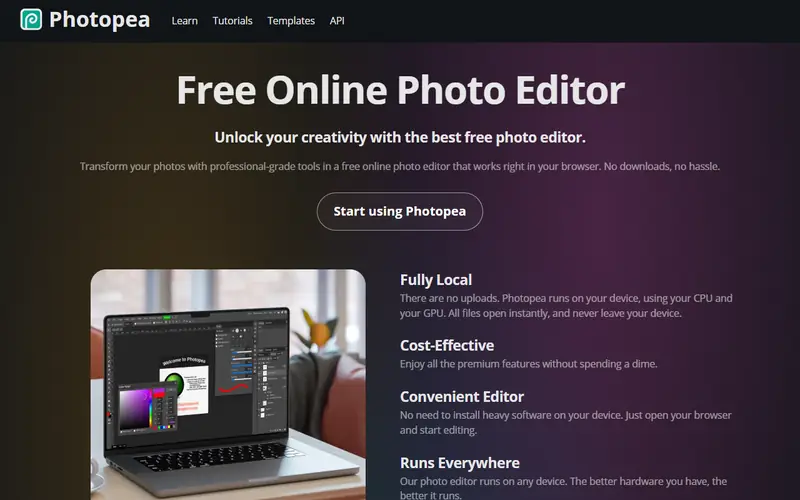
.ai files saved with PDF compatibility (Illustrator's default) open in Inkscape, Affinity and Photopea. Files saved without it need someone with Illustrator to export them to .svg or .pdf.
Can Inkscape do CMYK for print?
Inkscape works mainly in RGB. For offset printing that needs accurate CMYK, use Affinity, or send a PDF and let the print shop convert the colors.






 Photoshop
 Lightroom
 CorelDRAW
 InDesign
 Canva
 Figma