

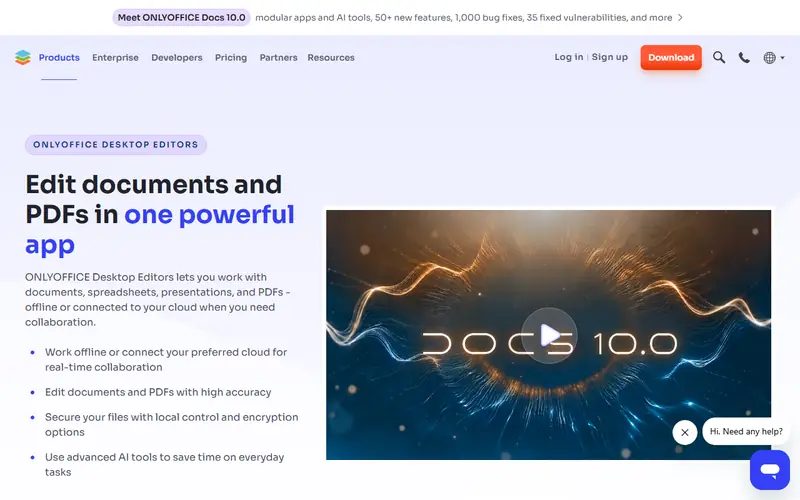
Open-source office suite with a ribbon interface like modern Office. Keeps .docx, .xlsx and .pptx formatting better than LibreOffice.
Free alternative to
Code activity
- Stars
- 5,705
- Forks
- 575
- Open issues & PRs
- 504
- Last commit
- 2 weeks ago
- Latest release
- 3 weeks ago
Details
- Type
- Open source
- License
- AGPL-3.0
- Platforms
- Windows · Mac · Linux · Android · iPhone
- Ease of use
- Easy to use
Pros
- Familiar Word- and Excel-style interface
- Good fidelity with Office file formats
- Mobile apps and a self-hosted server edition for collaboration
Cons
- Macros use JavaScript, Excel VBA macros won't run
- Fewer advanced features than Microsoft Office
Use ONLYOFFICE Desktop instead of
 Microsoft OfficeAn Office-style ribbon interface that preserves Office file formatting well.
 Microsoft WordAn interface like modern Word that keeps .docx formatting well.
 Microsoft ExcelAn Excel-like interface that keeps formatting well; macros are written in JavaScript.
 PowerPointLooks and feels like PowerPoint and keeps .pptx layouts intact better than most.
How is the 83/100 "Health" score calculated?
Dorabot computes it weekly from public GitHub data; it is not a review of software quality: 40 points for code freshness (a commit in the last 30 days earns full points), 25 points for popularity by stars, 20 points for a recent release, 15 points for the ratio of open issues to stars. 80+ is Good, 60–79 Fair, below 60 Weak.
FAQ
Is ONLYOFFICE Desktop free?
Yes. ONLYOFFICE Desktop is open source (AGPL-3.0 license) and free for personal and commercial use.
Which platforms does ONLYOFFICE Desktop run on?
ONLYOFFICE Desktop is available for Windows, Mac, Linux, Android and iPhone.
What can I use ONLYOFFICE Desktop instead of?
ONLYOFFICE Desktop is a free alternative to Microsoft Office, Microsoft Word, Microsoft Excel and PowerPoint.
Similar apps
 LibreOfficeOpen-source office suite that replaces Microsoft Office: Writer, Calc, Impress and Draw.Office & PDFOpen source
 Google Docs, Sheets, SlidesGoogle's browser-based office suite, free with a Google account.Office & PDF
 WPS OfficeLightweight office suite from Kingsoft that looks almost identical to Microsoft Office.Office & PDF
No apps match. Try removing a filter.