Microsoft Excel

Free & open source alternatives to Microsoft Excel

4 free spreadsheet apps to use instead of Microsoft Excel by Microsoft

The best free alternative to Microsoft Excel is LibreOffice. Calc handles functions, pivot tables and charts, and runs some VBA macros.

Other great options: Google Docs, Sheets, Slides, ONLYOFFICE Desktop and WPS Office.

Quick pick: For desktop use with macros: LibreOffice Calc (runs some VBA macros). For collaboration and modern functions: Google Sheets.

Reviewed November 2026 against each vendor's official website.

4 best alternatives to Microsoft Excel

1LibreOffice

LibreOffice

Office & PDF
Open sourceEasy to use
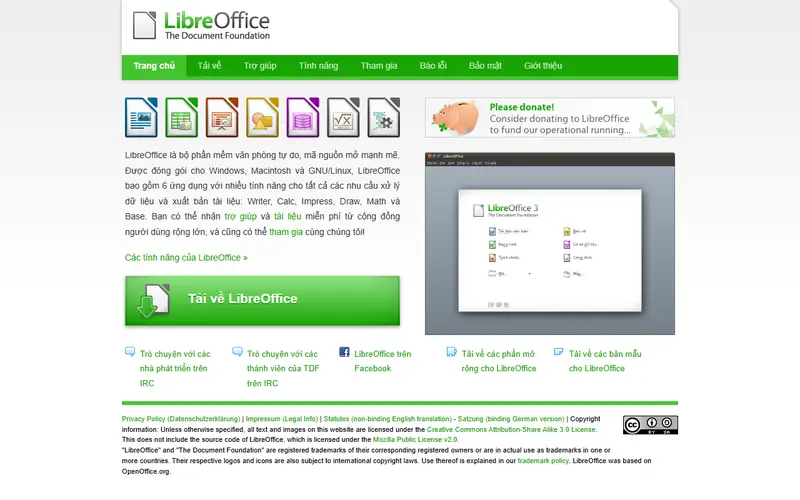
LibreOffice homepage

Calc handles functions, pivot tables and charts, and runs some VBA macros.

Open-source office suite that replaces Microsoft Office: Writer, Calc, Impress and Draw. Works fully offline and is available in many languages.

  • Free for organizations and businesses, no license fees
  • Opens and saves .docx, .xlsx and .pptx
  • Many interface languages, works without internet

Platforms: Windows · Mac · Linux

FreeEasy to use
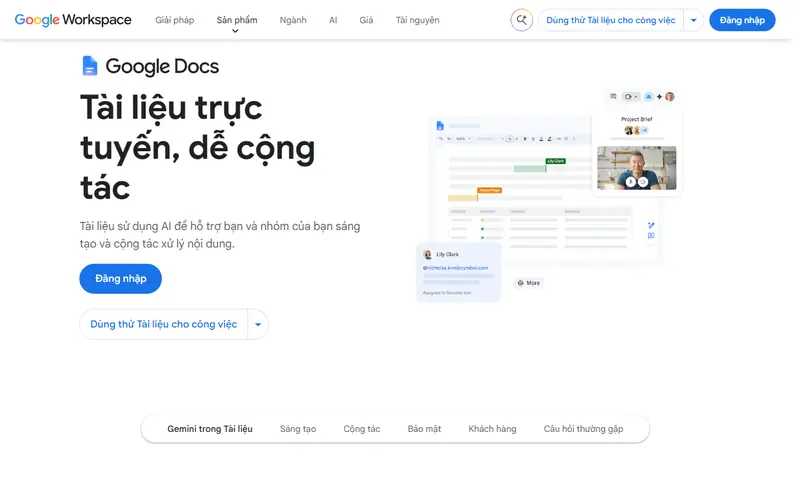
Google Docs, Sheets, Slides homepage

Google Sheets offers collaboration plus functions like QUERY and IMPORTRANGE, and connects to Forms.

Google's browser-based office suite, free with a Google account. Several people can edit the same file at once, and it saves to Google Drive automatically.

  • Real-time co-editing with version history
  • Opens and exports .docx, .xlsx and .pptx
  • Works on phones

Platforms: Web · Android · iPhone

Open sourceEasy to use
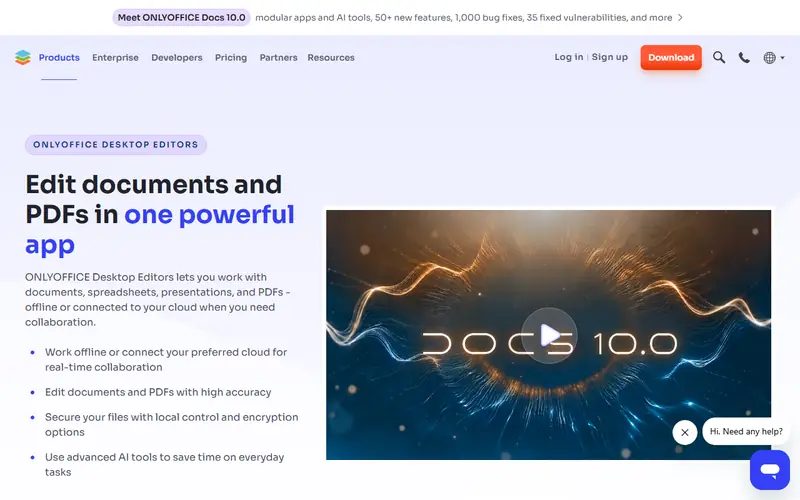
ONLYOFFICE Desktop homepage

An Excel-like interface that keeps formatting well; macros are written in JavaScript.

Open-source office suite with a ribbon interface like modern Office. Keeps .docx, .xlsx and .pptx formatting better than LibreOffice.

  • Familiar Word- and Excel-style interface
  • Good fidelity with Office file formats
  • Mobile apps and a self-hosted server edition for collaboration

Platforms: Windows · Mac · Linux · Android · iPhone

4WPS Office

WPS Office

Office & PDF
FreemiumEasy to use
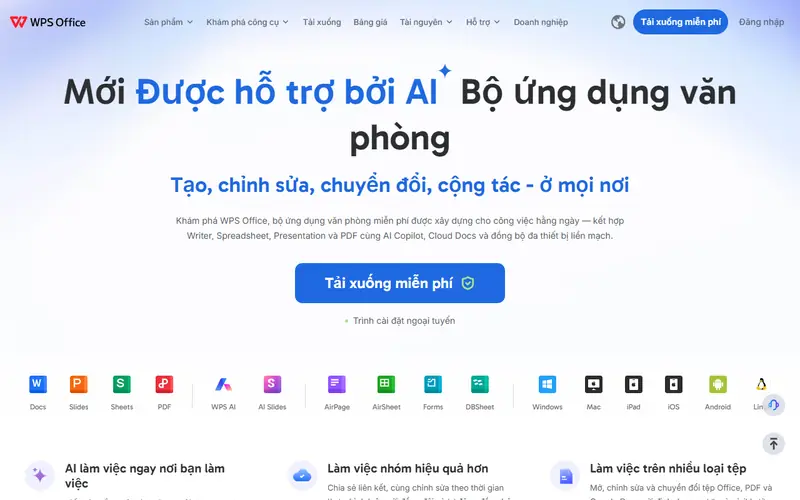
WPS Office homepage

WPS Spreadsheets looks like Excel; it shows ads.

Lightweight office suite from Kingsoft that looks almost identical to Microsoft Office. Mobile apps are available too.

  • Interface is nearly the same as Office
  • Light and quick to open on older computers

Platforms: Windows · Mac · Linux · Android · iPhone

Quick comparison

AppTypePlatformsEase of useGitHub stars
LibreOfficeOpen sourceWindows, Mac, LinuxEasy to use—
Google Docs, Sheets, SlidesFreeWeb, Android, iPhoneEasy to use—
ONLYOFFICE DesktopOpen sourceWindows, Mac, Linux, Android, iPhoneEasy to use5,705
WPS OfficeFreemiumWindows, Mac, Linux, Android, iPhoneEasy to use—

Open source: anyone can use, study and modify it, including businesses. Free: no cost, but the code is closed. Freemium: a lasting free plan with paid tiers for extra features. Source available: code is public but the license adds conditions.

FAQ

What is the best free alternative to Microsoft Excel?

The most popular picks are LibreOffice, Google Docs, Sheets, Slides, ONLYOFFICE Desktop and WPS Office. For desktop use with macros: LibreOffice Calc (runs some VBA macros). For collaboration and modern functions: Google Sheets.

Where can I run Excel files with macros?

LibreOffice Calc runs many simple VBA macros (enable them in Tools > Options > Security). Complex macros or ones with UserForms still need Excel. Google Sheets does not run VBA.

More office & pdf software

Free Dorabot tools