Free & open source alternatives to Microsoft Office
4 free office suite (Word, Excel, PowerPoint) apps to use instead of Microsoft Office by Microsoft
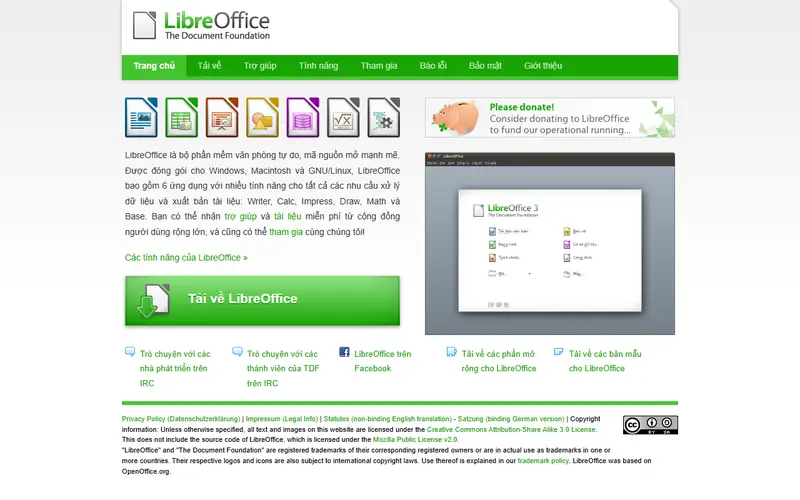
The best free alternative to Microsoft Office is LibreOffice. A full suite with Writer, Calc and Impress that opens and saves .docx, .xlsx and .pptx, and is used by many organizations.
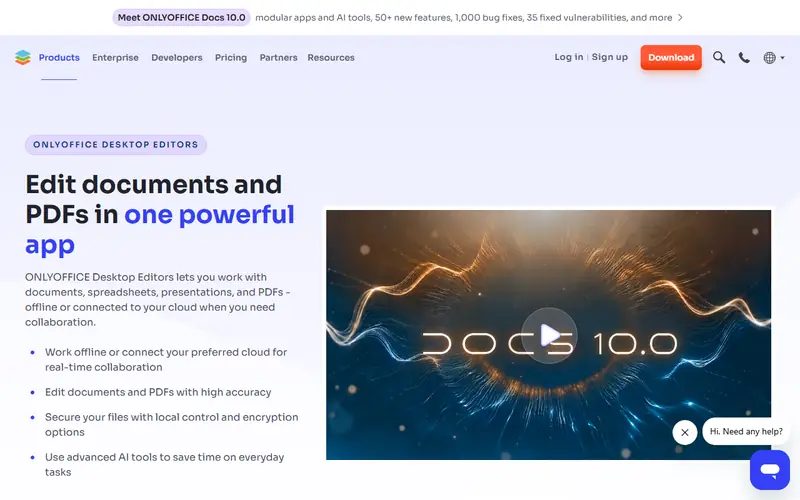
Quick pick: For offline desktop use: LibreOffice (open source) or ONLYOFFICE (a modern Office-style interface that keeps formatting well). For online collaboration: Google Docs or Office for the web.
Reviewed November 2026 against each vendor's official website.
Official ways to use Microsoft Office for free
Word, Excel and PowerPoint for the web are free at office.com (Microsoft 365) with just a Microsoft account (Outlook, Hotmail).
Office 365 A1 for students and teachers: many schools provide a school email that unlocks the web apps for free; some also include the desktop apps.
Mobile apps are free for basic creating and editing on devices with screens smaller than 10.1 inches.
Free plans and trial lengths are set by the vendor and can change. Check the official website before signing up.
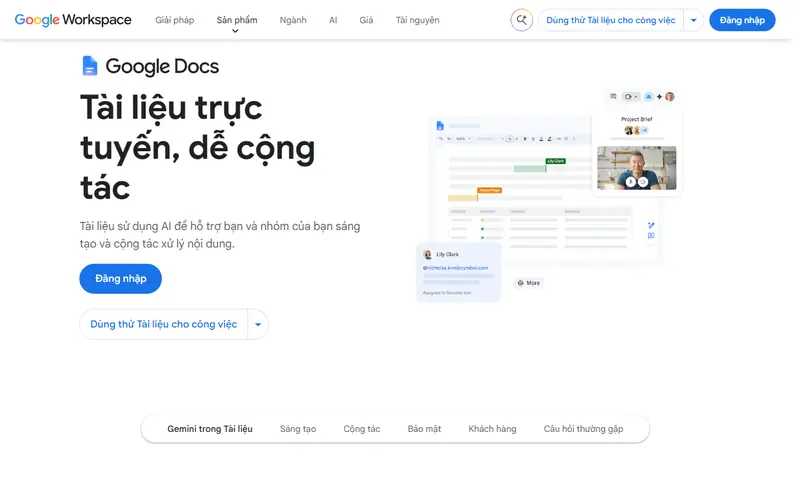
Real-time collaboration in the browser, with automatic saving to Drive.
Google's browser-based office suite, free with a Google account. Several people can edit the same file at once, and it saves to Google Drive automatically.
Open source: anyone can use, study and modify it, including businesses. Free: no cost, but the code is closed. Freemium: a lasting free plan with paid tiers for extra features. Source available: code is public but the license adds conditions.
FAQ
What is the best free alternative to Microsoft Office?
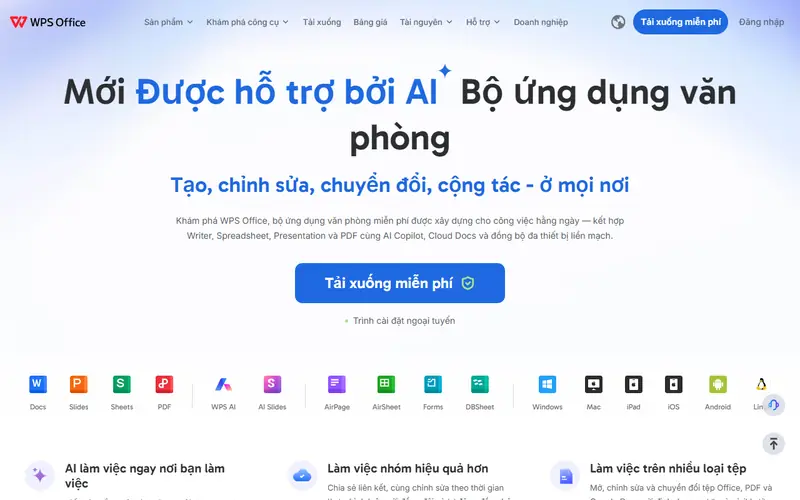
The most popular picks are LibreOffice, ONLYOFFICE Desktop, Google Docs, Sheets, Slides and WPS Office. For offline desktop use: LibreOffice (open source) or ONLYOFFICE (a modern Office-style interface that keeps formatting well). For online collaboration: Google Docs or Office for the web.
Will documents made in LibreOffice look right in Microsoft Office?
For most documents, yes: save as .docx, .xlsx or .pptx and Office users can open them normally. Documents with complex tables, layouts or macros are worth checking in Office before sending.
Does a company need to buy a license to use LibreOffice?
No. LibreOffice and ONLYOFFICE Desktop are free for businesses and government organizations too.
Is it risky to use a cracked Office?
Yes. Pirated activators often come with malware, and businesses running unlicensed software face legal and financial risk if audited. The free web version or LibreOffice is the safe choice.





 Microsoft Word
 Microsoft Excel
 PowerPoint
 Adobe Acrobat
 Outlook
 Microsoft Visio
 Microsoft Project