6 free PDF editing and conversion apps to use instead of Adobe Acrobat by Adobe
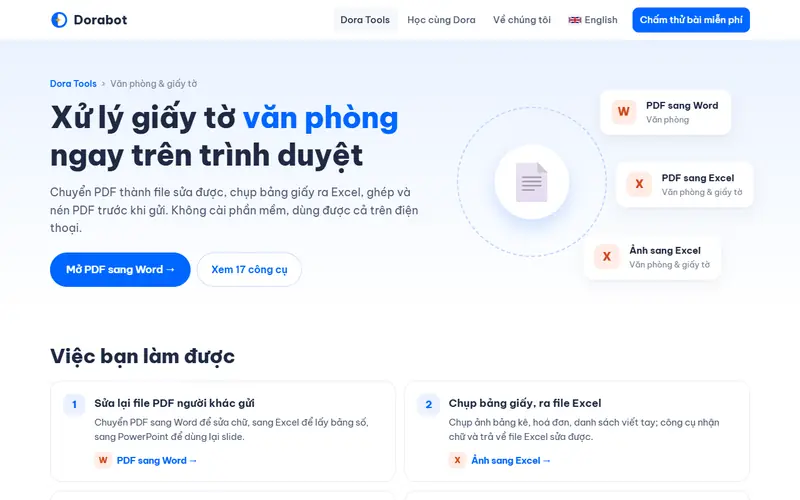
The best free alternative to Adobe Acrobat is Dorabot PDF tools. Runs in the browser and covers the everyday Acrobat jobs: merge, split, compress, and convert PDF to Word or Excel.
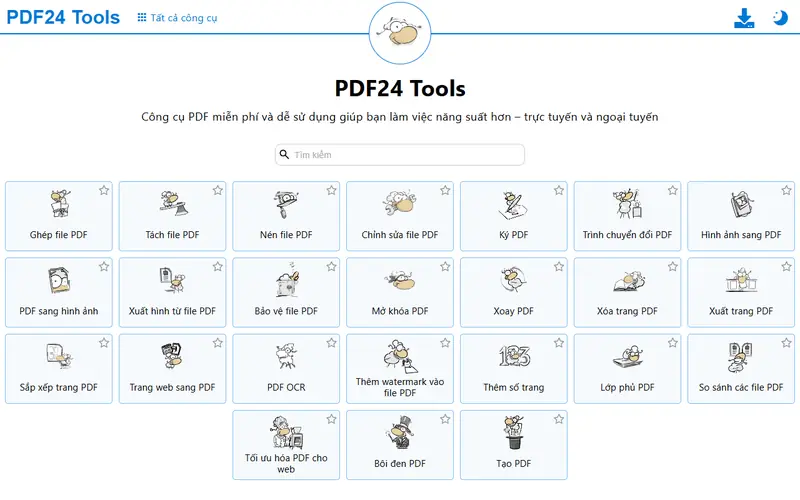
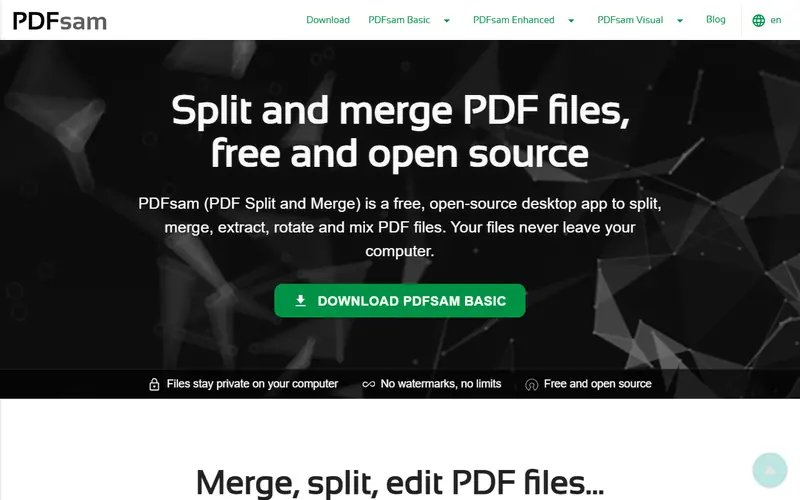
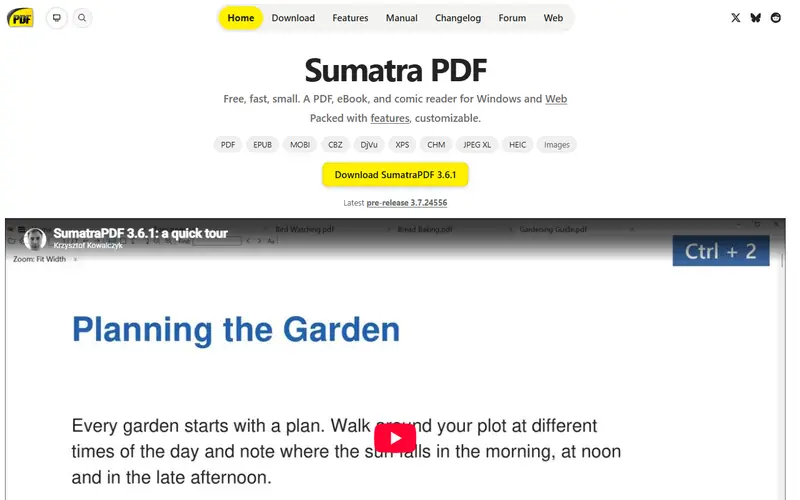
Quick pick: To merge, split, compress or convert PDFs to Word quickly, use the Dorabot PDF tools or PDF24. For confidential files that should stay on your computer, use PDFsam. If you only need to read PDFs fast, Sumatra PDF is enough.
Reviewed November 2026 against each vendor's official website.
Official ways to use Adobe Acrobat for free
Acrobat Reader is free for reading, annotating, filling in forms and signing PDFs.
Acrobat online offers a few free tools with a daily usage limit.
Free plans and trial lengths are set by the vendor and can change. Check the official website before signing up.
Runs in the browser and covers the everyday Acrobat jobs: merge, split, compress, and convert PDF to Word or Excel.
Free PDF tools from Dorabot that run in your browser with no sign-up. Merge and compress PDFs, convert PDF to Word or Excel, and turn JPG images into PDF.
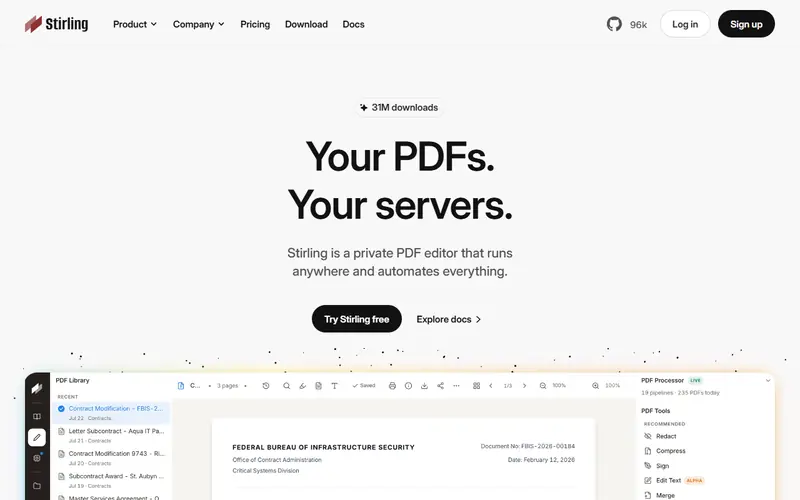
For companies: self-host it on your own server for 50+ PDF operations while documents never leave your network.
Open-source PDF toolkit you host on your own server with Docker, with 50+ operations. Merge, split, compress, OCR, sign and convert without documents leaving your company.
Open source: anyone can use, study and modify it, including businesses. Free: no cost, but the code is closed. Freemium: a lasting free plan with paid tiers for extra features. Source available: code is public but the license adds conditions.
FAQ
What is the best free alternative to Adobe Acrobat?
The most popular picks are Dorabot PDF tools, PDF24 Creator, PDFsam Basic and Sumatra PDF. To merge, split, compress or convert PDFs to Word quickly, use the Dorabot PDF tools or PDF24. For confidential files that should stay on your computer, use PDFsam. If you only need to read PDFs fast, Sumatra PDF is enough.
How can I edit text in a PDF for free?
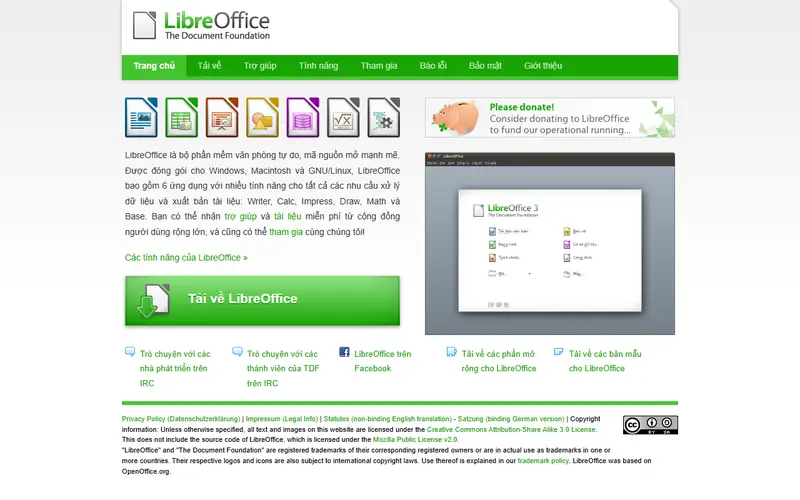
LibreOffice Draw opens a PDF as editable text boxes, which works well for short files with simple layouts. A more reliable route is to convert the PDF to Word with the Dorabot PDF tools, make your edits, then export it back to PDF.







 Microsoft Office
 Microsoft Word
 Microsoft Excel
 PowerPoint
 Outlook
 Microsoft Visio
 Microsoft Project